
AI Girlfriend Video: Generate, Extend and Edit Clips
Short Answer: GoLove.ai, Because Her Videos Start in the Chat
Picture it. She's been flirting with you all evening, you ask for a photo of her curled up on the couch, and now you want to see her move. An AI girlfriend video is only worth watching if it's actually her: the same face from your chat, doing the thing you asked for. Every app below gets held to that bar. Most of what ranks for this search doesn't clear it.
GoLove.ai is the pick. Ask her for a photo in chat, then tap Generate Video under it. About a minute later you have a ~5-second clip of the same character in the same scene. You don't export anything or rebuild her in a separate generator. Her memory, her photos and the clip all sit in one conversation.
Behind that sits a generator with 147 video modes, Series with episodes 1–2 free, and a Stars trade-off against OurDream's bundled plan that I'll lay out honestly further down.
You don't have to decide anything yet. Signing up is free, and a chat already shows her first photo without an account. Pick a face on Explore and see whether she's the one you want on video.
Three Kinds of AI Girlfriend Video Worth Telling Apart
"AI girlfriend video" covers three different things, and they suit different people. Know which one you're after and you won't end up paying for the wrong app.
BUILD HER YOUR WAY
Face, voice and personality, all set by you.
- Feed clips. A vertical, swipeable feed of AI clips, one full-screen character at a time. Double-tap to like, jump into a chat with her, or hit Remix to make your own version. Free accounts get a limited number of new clips per day before a paywall appears.
- Series. Short 18+ vertical dramas. Each episode runs 60–100 seconds, with subtitles in 9 languages, including English, German and French.
- Your own clips. Videos you make of your companion, either from a photo in chat or in the generator. This is the part most "best AI GF" lists skip.
 5 episodes
 7 episodes
 5 episodes
 5 episodes
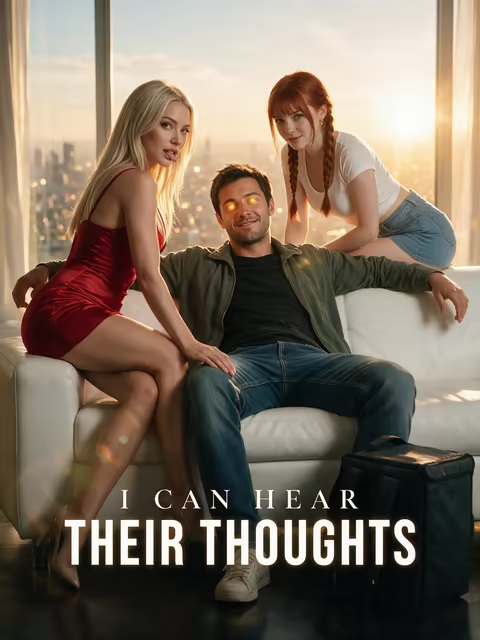 5 episodes
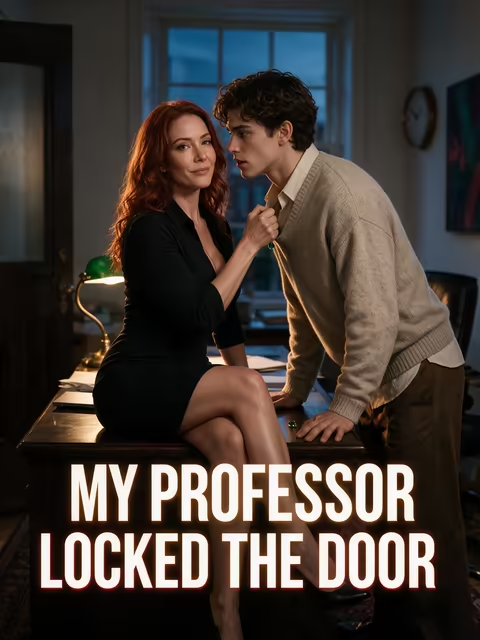 5 episodes
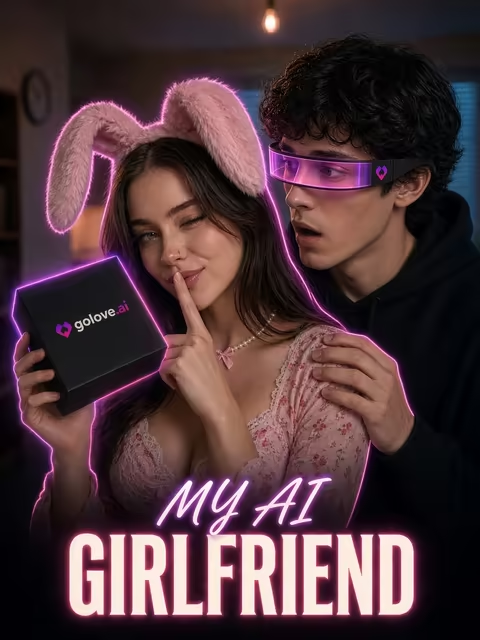 7 episodes
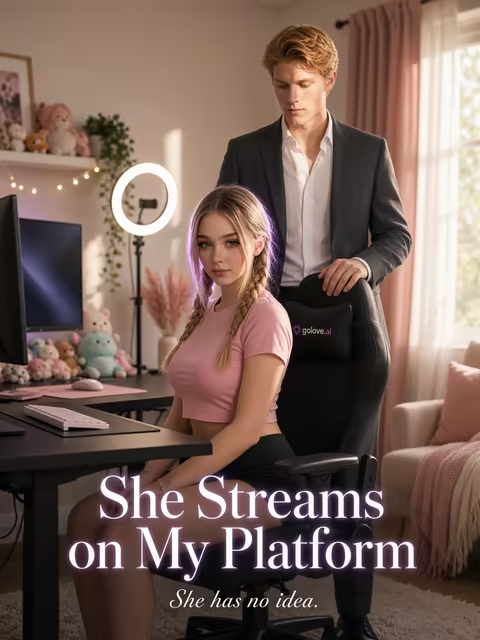 6 episodes
 9 episodes











Is a video call the same thing? Not quite. The closest option in GoLove's chat is Video Note, a round talking clip with sound that she records from your prompt. This article sticks to clips, both the ones you watch and the ones you make.
Preset cards: action, clothes, background
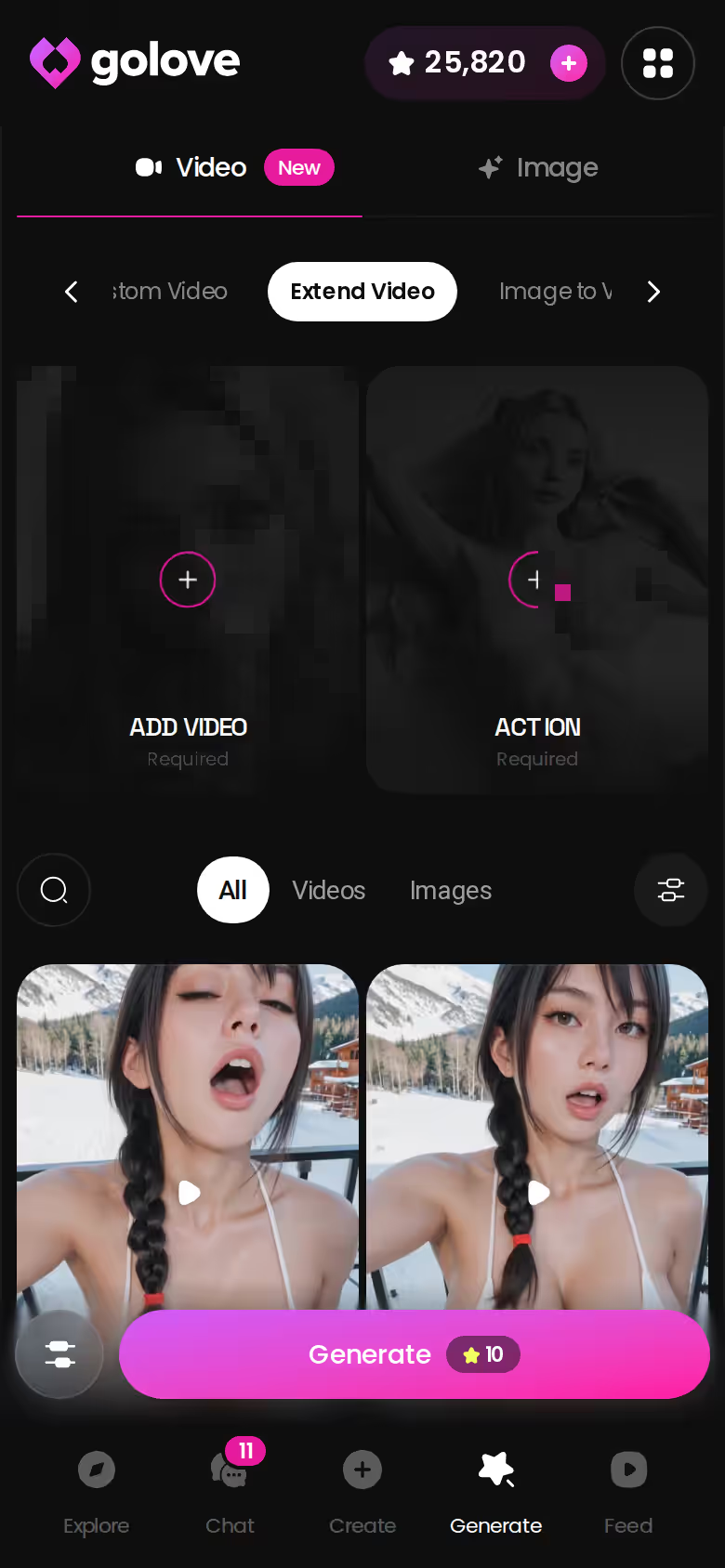
The Generate tab splits into Video and Image, and it works per character. Use the avatar swap in the top-right to pick any GoLove girl or one you built yourself in Create. A clip comes together from visual cards: an action card (labels like 'Twerk' or 'Hard Doggy Style'), then Clothes, then Background. Then it's one Generate tap. No prompt writing required.
It's a big menu. GoLove lists 76 realistic video modes, 20 anime, 35 trans and 16 anime-trans, for 147 in total. What stands out to me is the trans and anime-trans coverage (on a site like this one, that matters more than the raw total), which most generators treat as an afterthought.
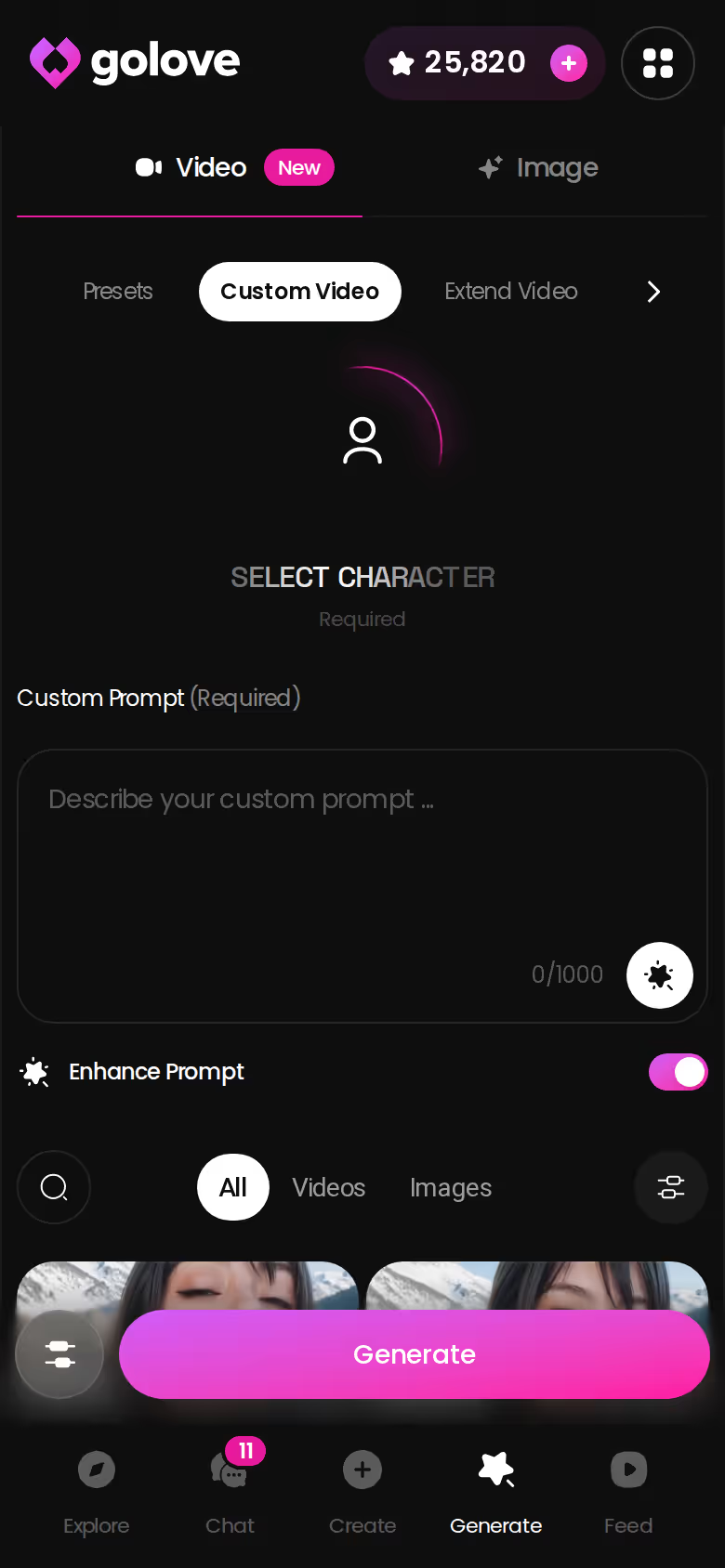
Custom Video when you'd rather type it
Presets won't cover every idea. When they don't, Custom Video lets you describe the scene in your own words and keep the same character. For slower, softer or more specific moods that a card can't capture, it's the better route.
Output options that matter
- Batch size: 1, 2 or 4 videos per run, so you can pick the best take.
- Resolution: 480p, 720p or 1080p. A 720p clip costs 10 Stars.
- Reverse video plays a clip backwards for loops.
- Add audio gives a silent clip a soundtrack.
Ask for a photo in your own words
Here's where GoLove pulls ahead, and it's the whole reason it wins this search. Start to finish:
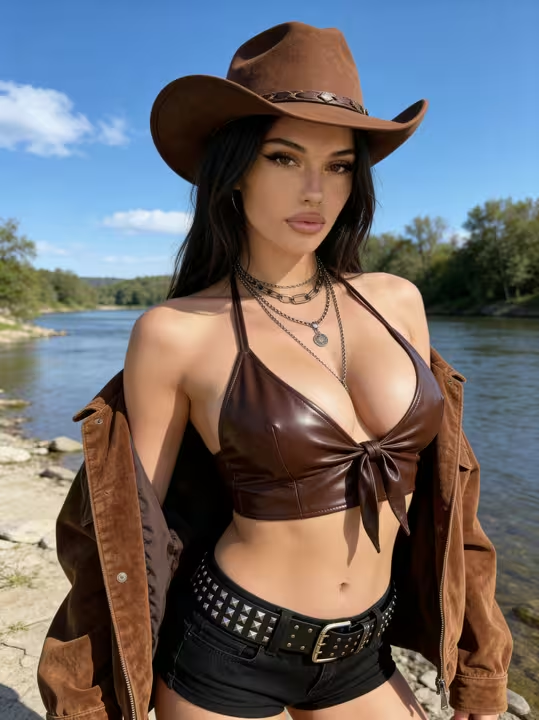
- Send Photo. Open her chat, tap the media button and choose Send Photo. Describe the scene the way you'd say it to her. In about 20–45 seconds you get a photo of that same character for 1 Star. Her face and body stay consistent with her avatar and her earlier photos.
- Generate Video. Tap it under the photo (see below).
- Extend Video. Take the clip into the generator to make it longer (see below).
Characters you can open right now
Tap any of them and the chat starts there



One tap: Generate Video
Under the photo sits a Generate Video button. Tap it, and in about a minute you get a ~5-second video of that exact scene for 10 Stars. Nothing to re-upload. No re-describing her.
Want her to talk instead? That's Video Note. Pick Send Video Note, tell her what to say or do, and in under 90 seconds a round talking clip with sound arrives, also for 10 Stars.
Stretch it with Extend Video
Five seconds goes fast. The generator's Extend Video mode picks up where your clip ends and keeps the scene going.
This whole chain works best with a character you designed yourself. Design with AI turns a plain-text description into a named girl with a bio and portrait in about a minute, and every photo and clip after that is of her. If you already know who you want on screen, build her first; our dream girl AI guide covers how to shape her before you spend a single Star on video.
Watch First: 'My AI Girlfriend' on Series, Then Remix the Feed
Rather watch before you make anything? Start with Series. GoLove launched it on 2026-10-10. As of 2026-10-12 it had 5 series and 32 episodes, with new episodes every week, per GoLove.

 Watch Popular Shows starring your
favorite AI characters.
For this search, "My AI Girlfriend" is the obvious first pick. Seven episodes, starring Lexie. A black box lands on Milo's doormat, addressed to the girl next door, and he keeps it.
> "Inside are glasses that bring his perfect girl to life. But the account isn't his…"
SEE THE REAL DIFFERENCE
Filtered bots stop. She does not.
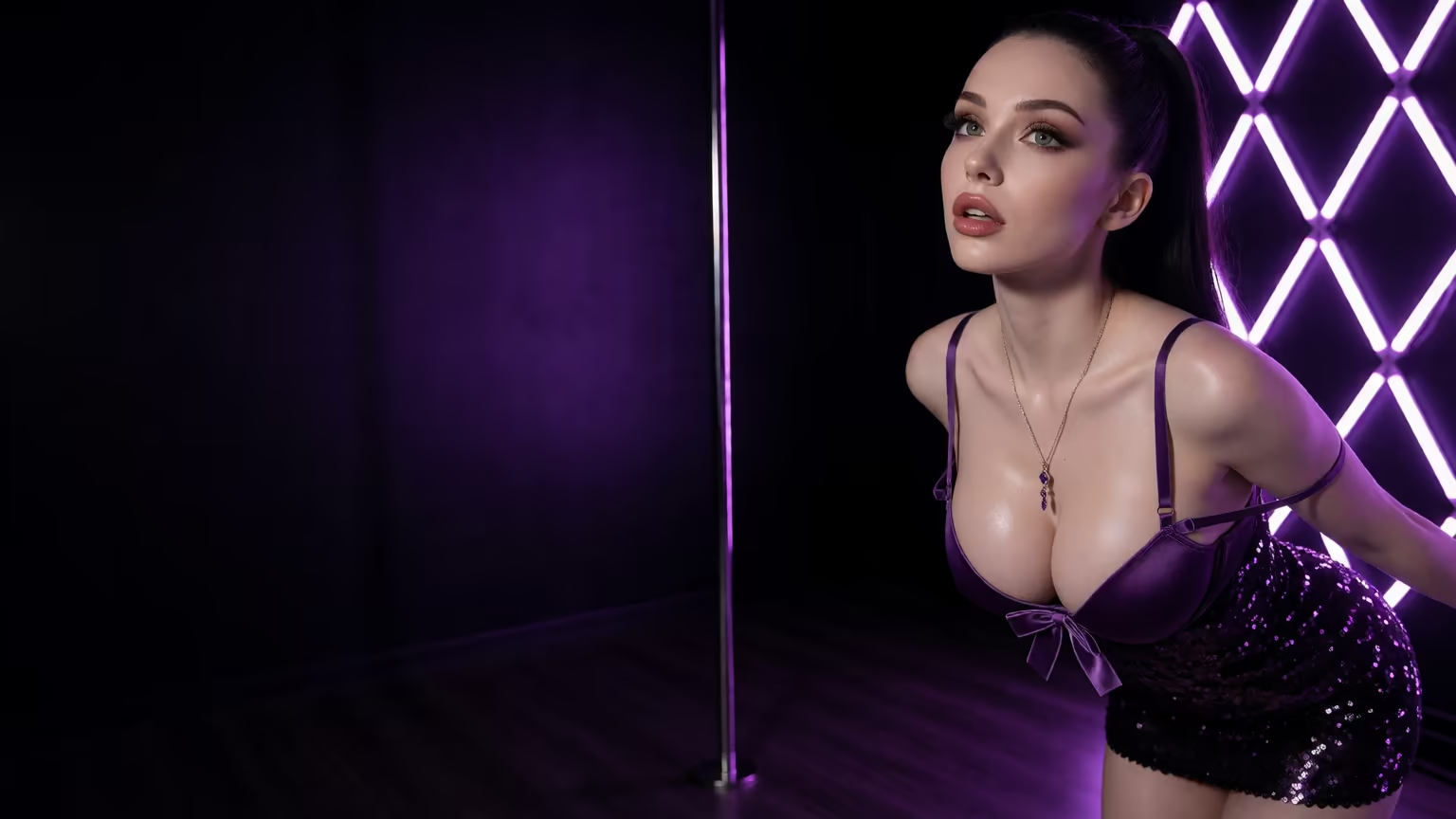
Episodes 1 and 2 of every series play even without an account. From episode 3, a free account needs PRO, and PRO members unlock each further episode for a few Stars. Under the player you'll find Start Chatting with the cast and Create Video of the cast. So the actress from the drama can become your chat partner in one tap, which is a neat trick.
The short version: GoLove.ai puts memory, photos on request and one-tap clips in one chat, adds Series with episodes 1–2 free, and its image generator brings 35 realistic poses and 21 outfits. You also get 2 free reward Stars every day.
The Feed works the same way. Hit Remix on any clip and the generator opens with that clip's character, action, outfit and scene already set. Change one thing, generate, and it's yours.
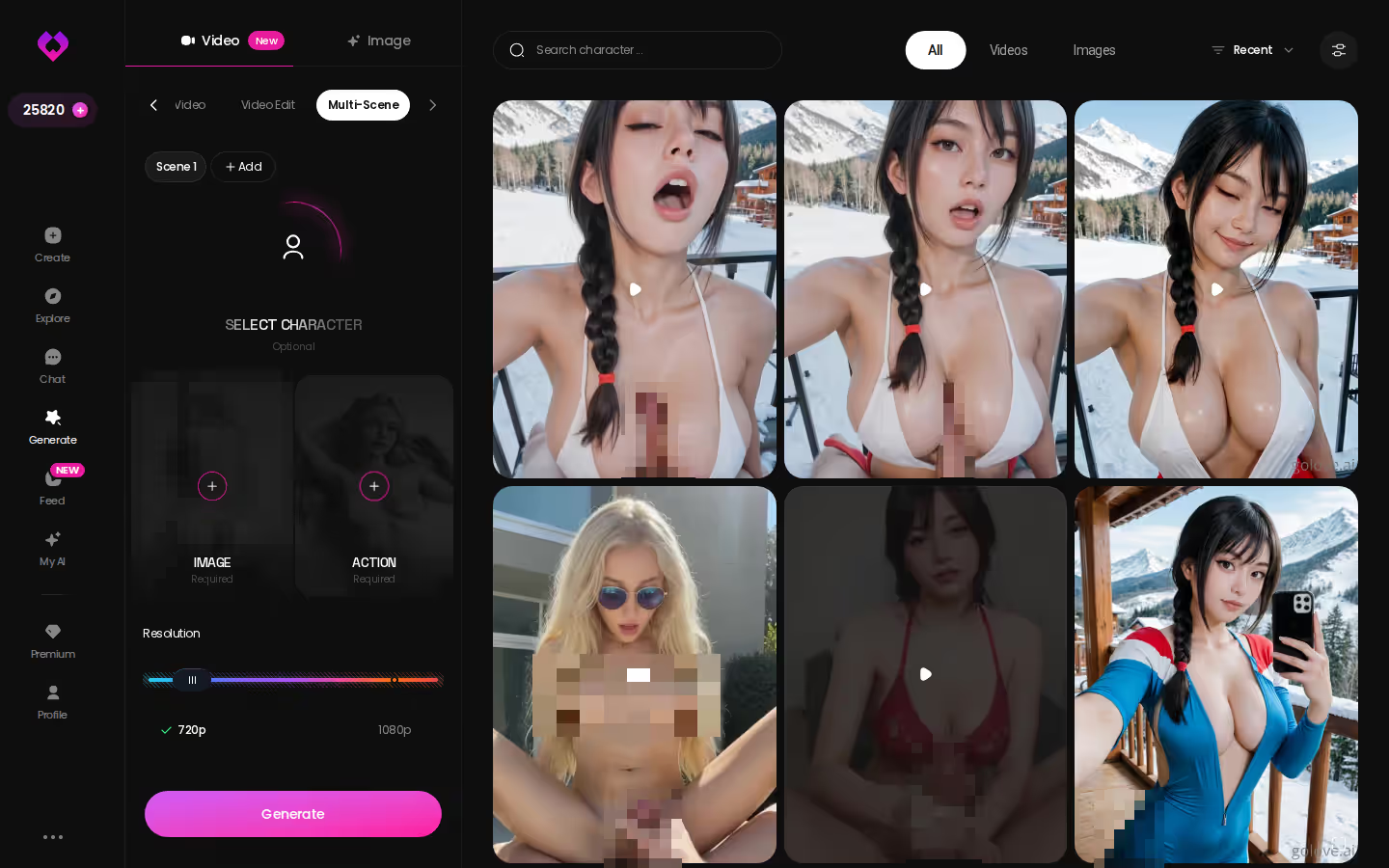
If you want something closer to an episode, Multi-Scene chains several moments into one clip.
What a Clip Actually Costs: PRO, ULTRA, Stars and OurDream
If you want a lot of video, cost is the real question. Every figure here is approximate and varies by region and promo. GoLove prices were checked in 2026-10, OurDream's in 2026-09.
| Plan | Price (approx.) | What it means for video |
|---|---|---|
| GoLove PRO | ~$19.99/month or ~$119.88/year | 100 Stars a month, all NSFW content, voice messages and calls, unlimited Feed, character creation |
| GoLove ULTRA | ~$59.99/month or ~$359.88/year | More monthly Stars than PRO, a Star-refill discount, stronger models, 8,000-message memory |
| GoLove Star packs | ~$9.99 (30 Stars) up to ~$299.99 (3,000 Stars) | Top-ups when the monthly Stars run out |
| GoLove per-clip cost | 1 Star per image, from 5 Stars per video | A 720p clip is 10 Stars, so PRO's 100 Stars cover about ten |
| OurDream Premium | From ~$19.99/month, or ~$9.99/month annual | Video included in the base plan. Chat, images and video are bundled, drawing on 1,000 DreamCoins per cycle |
| OurDream Deluxe | ~$59.99/month (~$29.99/month annual) | Higher tier of the same bundle |
New users also see a limited-time −70% offer on their first GoLove subscription. Check the app for what it applies to in your region.
Stars Spent per Clip vs OurDream's One-Subscription Bundle
Here's the honest version of the trade.
What you give up with GoLove. The flat, all-in feel. Video runs on Stars, so PRO's monthly 100 Stars cover only a handful of 720p clips before you're buying a pack. Planning to generate every night? Set a budget for it.
OurDream takes the other route and folds video into its subscription. If what you mostly want is volume on one flat bill, that's a real strength, and it deserves credit. We could not confirm whether OurDream ties its clips to the character you've been chatting with the way GoLove's in-chat button does, so weigh that part yourself.
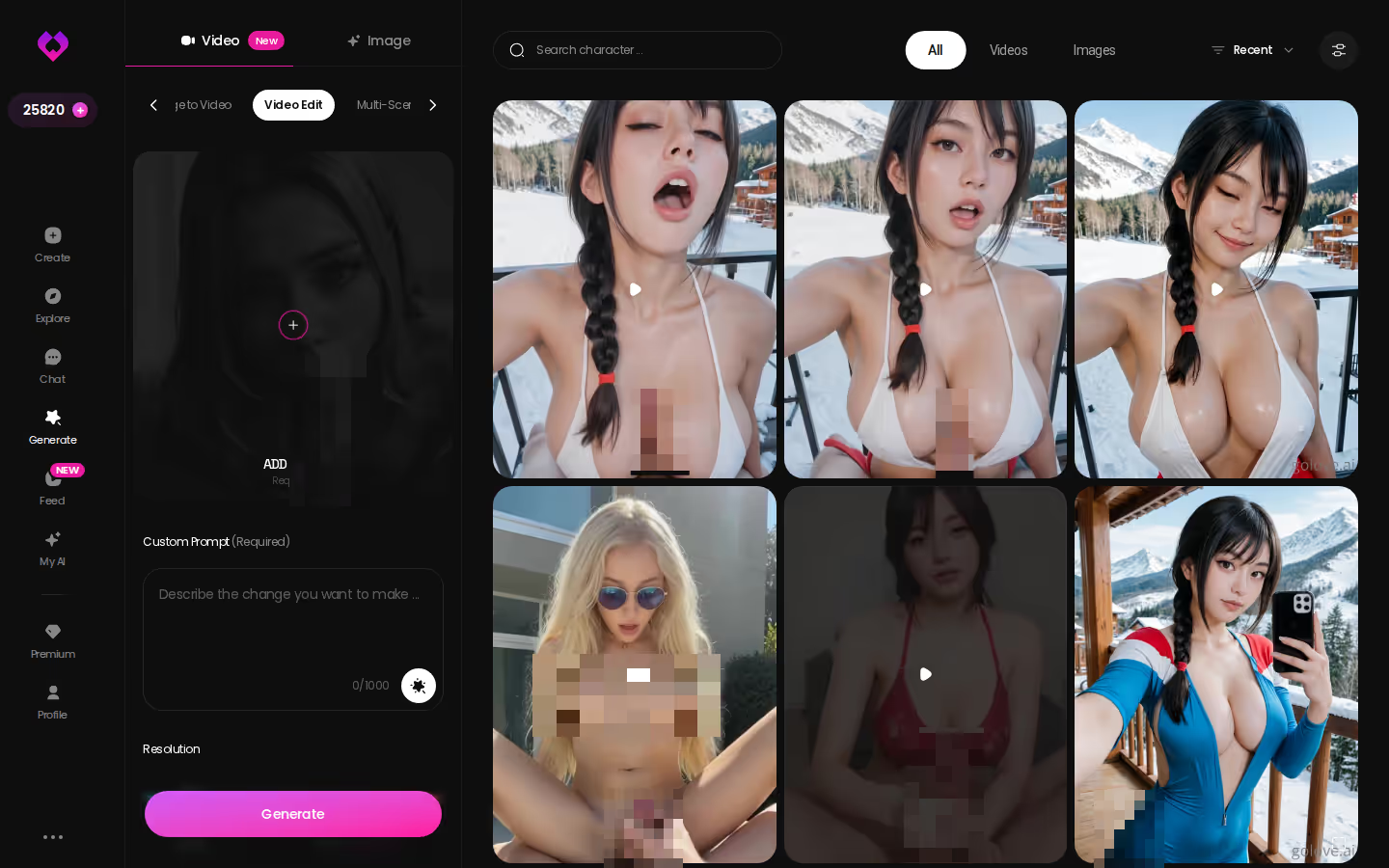
What you gain. Every clip is of her: the character from your chat, with her face held steady from photo to video. You also get tools that rework a clip instead of starting over. Extend Video continues one. Video Edit transforms a video you already have with AI — which beats burning Stars on rerolls and hoping the next take is better.
For this search, continuity is the point. A clip of a stranger, however cheap, isn't really an AI girlfriend video. It's just a video. GoLove's Stars cost is what buys you the "girlfriend" part, and if she's the reason you're here, it's worth it.
and watch their story unfold.View Character
The Pick for AI Girlfriend Video, and Who Should Skip It
> Verdict: GoLove.ai is the pick for AI girlfriend video. A photo you ask for in chat becomes a clip of the same character in about a minute, and the generator can then extend or edit it.
Pick OurDream instead if you want the most video for one flat subscription and continuity with a girl you've been chatting with isn't your priority. Its bundle is the honest alternative.
Skip GoLove.ai if you want an AI boyfriend, since there are no male characters yet. Skip it, too, if you won't budget Stars for photos and video, because that's where the media lives.
Everyone else has a low-effort way in. Watch episode 1 of "My AI Girlfriend" for free, or go straight to Explore and pick a face. If the conversation matters more to you than the clips, our look at the dream girlfriend chat app side of GoLove covers the chat loop in more depth.
Her first photo is already visible in the chat, no account needed. Start talking, ask for the photo first, and when you want to see her move, the clip is one tap away.